
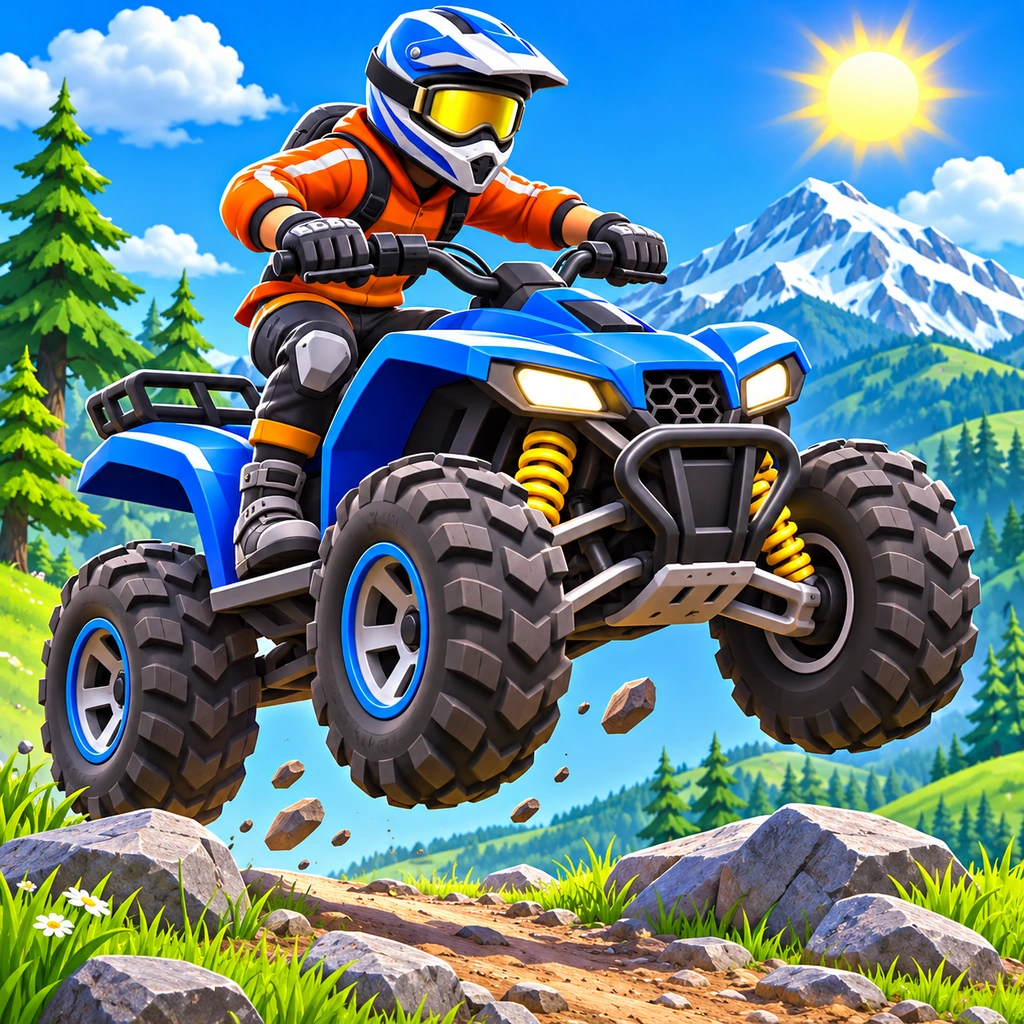
ATV Ultimate Offroad
About ATV Ultimate Offroad
ATV Ultimate Offroad lets you take a quad bike onto rough terrain in racing and free-driving modes. Build speed on open ground, brake before tight turns and approach jumps with the vehicle pointing toward a safe landing.
Ziplivo mobile controls appear after driving begins. Steering is on the left; forward, reverse and a smaller brake button are on the right. Camera and Reset sit at the upper left, so you can recover an awkward view or position without leaving the course.
Learn turning and braking on open ground
Begin with a short stretch where you can accelerate, steer and stop without immediately encountering a jump. This gives you a reference for how the ATV responds before a race or a difficult section asks you to combine those actions. Reduce speed before a tight corner, then make a controlled steering input rather than trying to recover with a large turn after entering too fast. Rough ground can make the landing or turn different from a smooth approach, so leave room to straighten the vehicle afterward.
Use the mobile layout with two hands
The left-side pair is for steering, while the right-side controls handle forward movement, reverse and braking. Hold a steering button and a driving button together when a turn needs both actions. Release the input you no longer need instead of keeping every button held through the exit. The smaller Brake control is intended for a deliberate slowdown, and the upper-left Camera and Reset controls are separate from routine driving. They remain available to help with an awkward viewpoint or a vehicle position that is difficult to recover from normally.
Prepare the landing before taking a jump
The line chosen before a ramp affects where the ATV arrives afterward. Look beyond the ramp and aim for a clear landing area with room to continue. If you approach at an angle, extra speed may carry the vehicle farther from that area rather than solving the alignment problem. Use free driving to practice a manageable approach and repeat it with a small adjustment. During a race, choose a stable route over a speculative jump when losing the vehicle's position would cost more time than a slower approach.
How to Play ATV Ultimate Offroad
1. Choose a mode and start driving; touch buttons stay hidden in the menus. 2. Mobile: steer with the left-side arrows and use the right-side forward, reverse and Brake buttons. 3. Desktop: use WASD or the arrow keys to drive, Space to brake, C for the camera and R to reset position. 4. Reduce speed before tight corners and use Camera or Reset if the vehicle becomes difficult to manage.